Advertisement
Click to download now, finish the installation quickly, and directly unlock the all-round experience
Advertisement
Screenshots

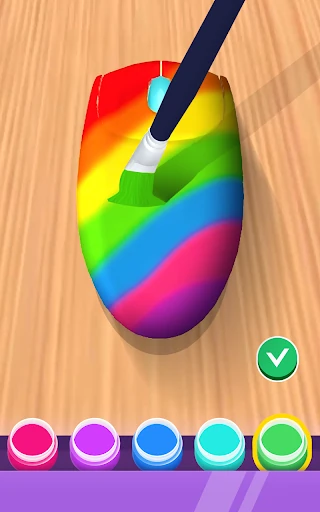

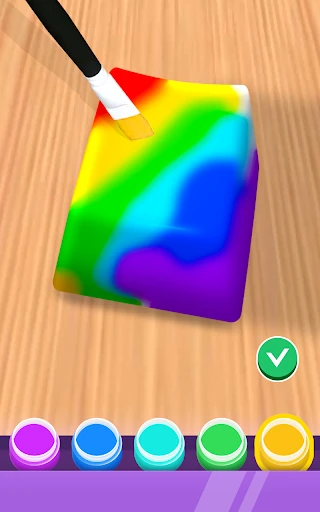

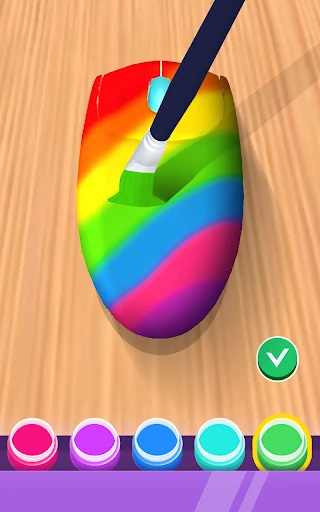

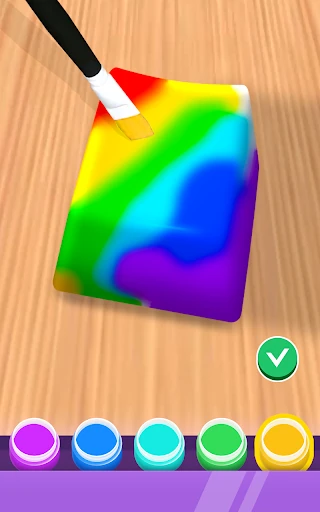


Click to download now, finish the installation quickly, and directly unlock the all-round experience
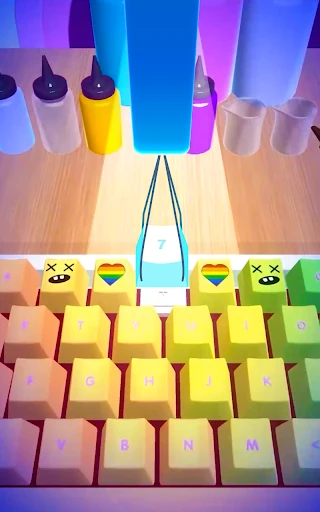
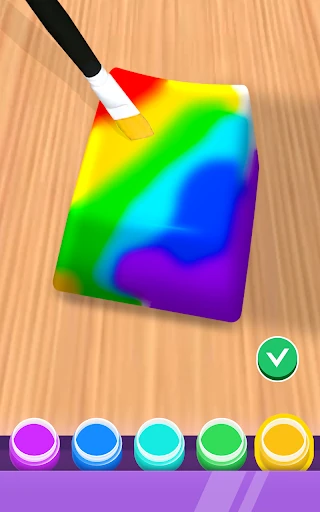
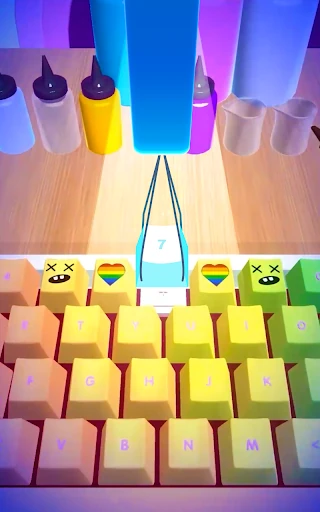
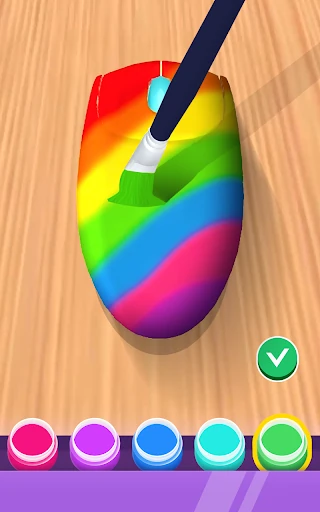
DIY Keyboard lets you customize a virtual keyboard by decorating its individual keys and choosing colors and finishes. It suits players who enjoy hands-on visual projects and want to experiment with keyboard styles without working with physical parts. The focus is on making a design, rather than typing or building a working keyboard.
The app presents the keyboard in 3D, so you can see how your choices look across the whole layout. You work through a guided creative process, applying decorative changes to separate keys and components. The appeal is in trying different combinations and watching a plain keyboard take on a different look; this is a casual simulation, not a detailed design tool for producing a real-world plan.
The store files DIY Keyboard under Simulation, which reflects its make-and-customize activity. That category alone does not explain the specific task: this is a virtual keyboard-decorating game, aimed at people looking for a short, visual creative diversion. Its tools are designed for approachable touch interaction, so the activity does not depend on prior craft or design experience.
DIY Keyboard is published by CrazyLabs LTD. It has a 4.57 rating from 188,616 ratings and has reached 50,000,000+ installs. Those figures point to a widely used casual title, though they do not indicate how much design variety an individual player will find. If you want a way to play with colors and finishes on a keyboard-shaped canvas, this is the app’s central purpose.