Advertisement
Click to download now, finish the installation quickly, and directly unlock the all-round experience
Advertisement
Screenshots
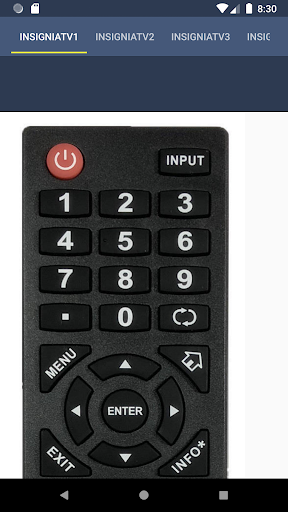
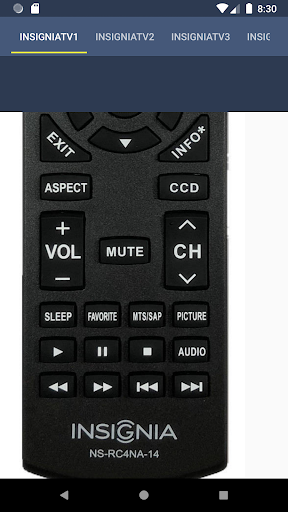
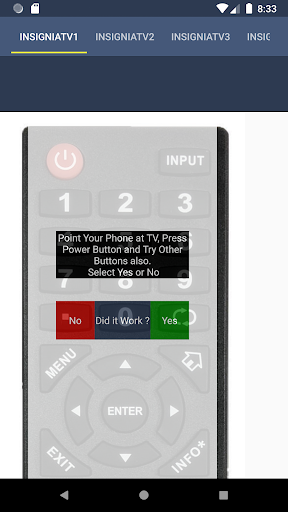
Click to download now, finish the installation quickly, and directly unlock the all-round experience
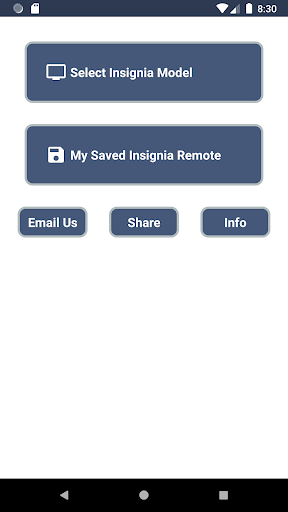
Insignia TV Remote turns a compatible Android phone into a controller for an Insignia television. It suits people who have a phone with an infrared (IR) blaster and want basic TV controls in one place, especially when the physical remote is misplaced or unavailable. The app depends on that IR hardware, so it is not a universal remote for every Android phone.
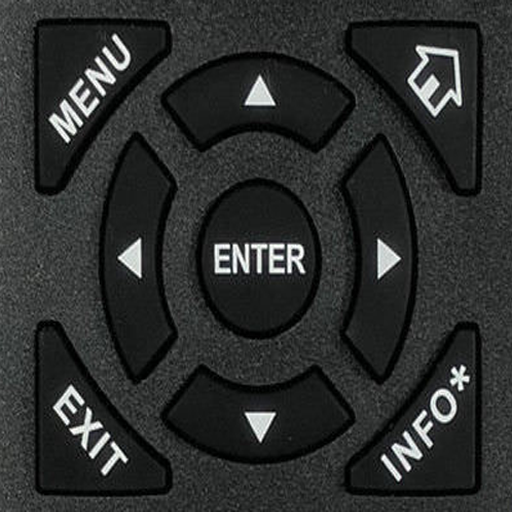
The app provides common television buttons, including power, volume, mute, channel changes and input selection. It also includes Home, Menu, Settings and a keypad, along with previous-channel and multimedia controls. These cover routine tasks such as adjusting sound, switching channels or choosing another input without reaching for the TV’s original remote.
Remote Planet lists the app in the Tools category. That label describes its general class, while its specific job is controlling an Insignia TV through a phone’s IR blaster. The available controls are designed around television use rather than acting as a general-purpose device remote.
Check whether your phone has an IR blaster before relying on the app. The listing describes support for IR-equipped mobiles; it does not establish that phones without infrared hardware can communicate with the television. The app is specifically named for Insignia TVs, so the listing does not promise support for other brands.
Insignia TV Remote is published by Remote Planet. It has a 4.0-star rating from 3,188 ratings and has reached 500,000+ installs. Those figures provide a sense of its listing history, but they do not guarantee that it will work with a particular phone and television combination. Compatibility depends on the required IR hardware and the TV.